Rules and focus
Asking for more time
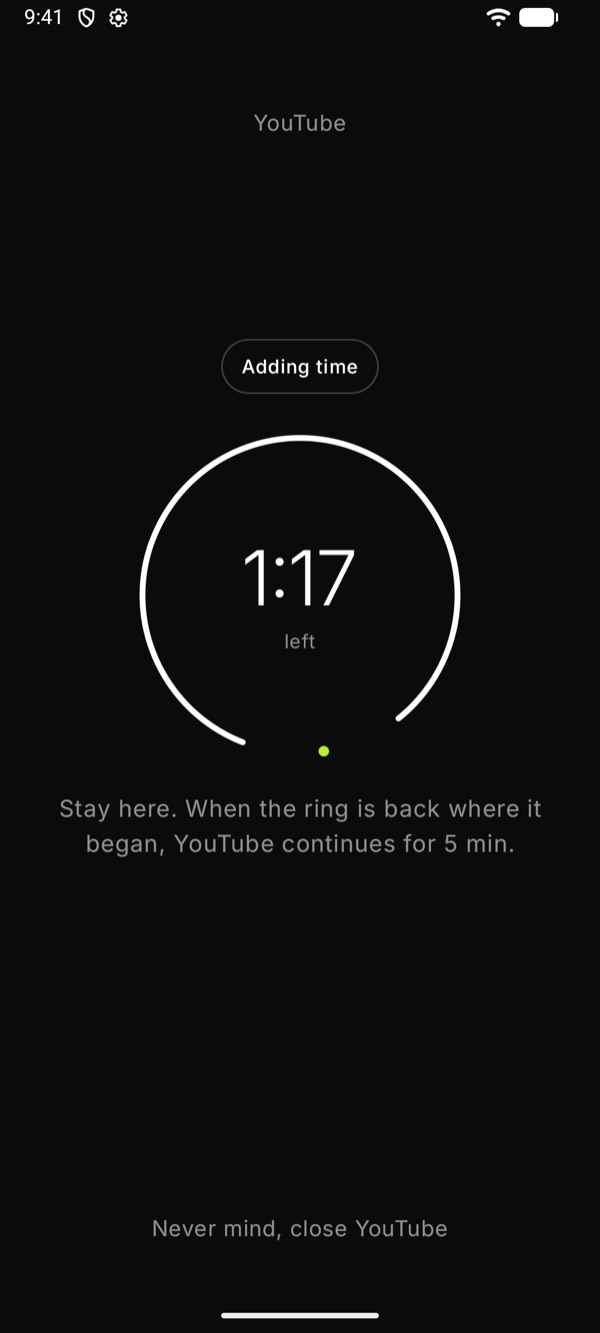
A two-minute wait with the turning ring.
1
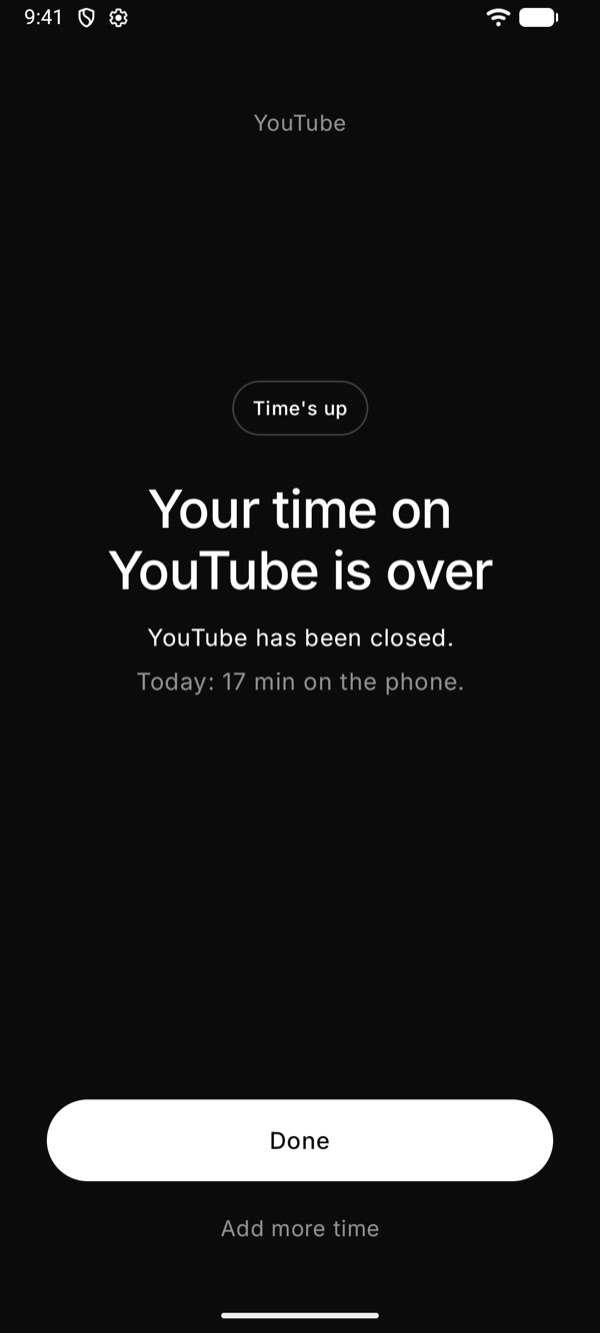
When your time is up
A Mindful session ends and the app closes. Offly says so plainly. The one button, Okay, understood, takes you home.
2
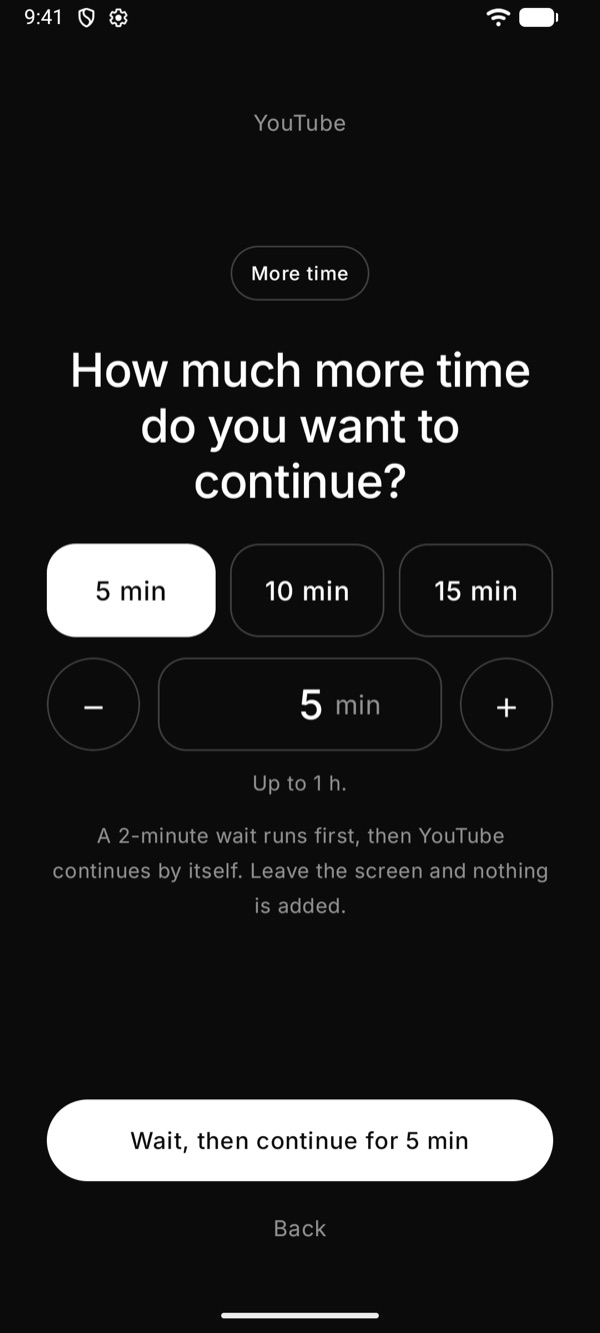
Add more time, after a wait
If you need a little longer, tap Add more time and pick 5, 10 or 15 minutes. It is never instant.
- Tap Wait, then continue
- Stay on the screen while the Offly ring turns one full circle (two minutes)
- Leave the screen and nothing is added
3
Then the app opens
When the ring is back where it began, the app opens by itself with the extra minutes. The question comes again before each stretch ends.